
Curated technical field guide
Find the right Linux guide faster.
Command-first Linux guidance for people running desktops, servers and production infrastructure. Search for the problem in front of you or use the maintained reading paths below.
New in Linux
Latest guides
The newest practical articles in this part of TurboGeek.
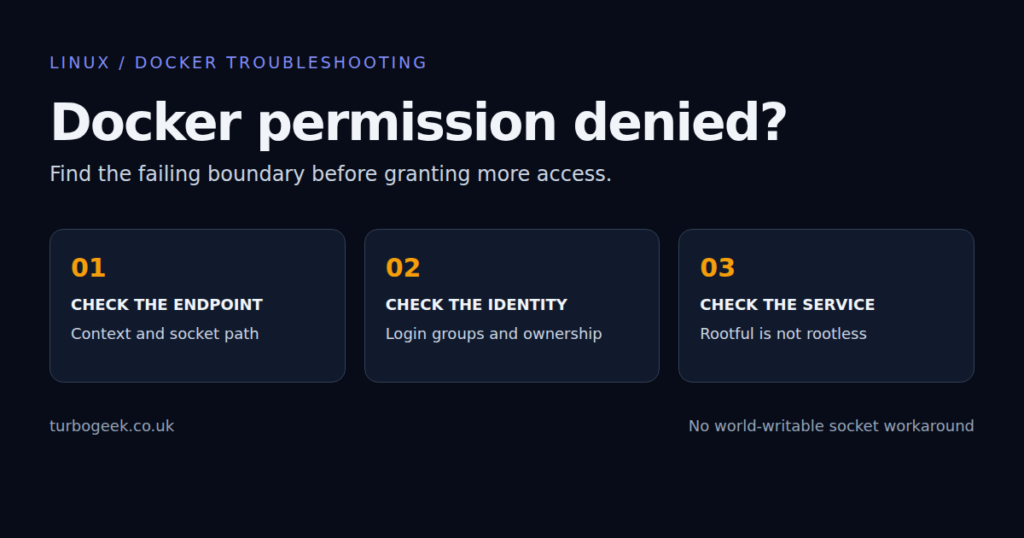
Docker Permission Denied on Ubuntu: Socket, Group and Rootless Fixes
Fix Docker permission denied on Ubuntu by checking the socket, login groups, context and rootless service. Avoid exposing the daemon with chmod 666.



Editor’s starting points
Essential guides
Evergreen references selected to give you a reliable route into the topic.
Ubuntu Server First 30 Minutes: The Setup Checklist I’d Use Every Time
A first-boot Ubuntu server checklist covering updates, users, SSH, firewall, baseline tools, disk checks and the quick wins worth doing…
Linux SSH Hardening Checklist for Small Servers and Home Labs
A Linux SSH hardening checklist that focuses on the controls which actually improve security on small servers and home labs.
How to Install Linux: 2026 Guide for Beginners
Learn how to install Linux safely in 2026, from choosing a beginner-friendly distribution to creating a bootable USB, booting from…
How to Check Disk Space in Linux: Step-by-Step Guide
Need to check disk usage quickly on Linux? This guide shows the commands worth knowing, what their output means, and…
Start with the work in front of you
Browse by task
Focused reading paths built from the site’s real categories and tags.
Start with Linux
Installation, foundations and the first steps on a new system.
Daily operations
Filesystems, shell work, commands and common server fixes.
Ubuntu and desktop
Ubuntu releases, desktop changes and practical administration.
Security and remote access
SSH, hardening and controls for internet-facing systems.
Actively maintained
Recently updated
Guides that received a meaningful revision after their original publication.